
Use a Teleprompter Without Sounding Like You're Reading
→ A free lesson for attorneys, executives, and advisors who want to know exactly what they'll say on camera, and still sound like themselves.
Get the free module
Why a script
If you're an attorney or an executive, precision matters. You want to know every word before the camera is on.
A script gives you that.
Then you read it, and you sound like you're reading.
Your eyes move.
Your voice flattens.
The person watching can tell.
Reading well on camera is a skill.
Broadcasters learn it on the job.
This module teaches it to you in one sitting.
What's inside
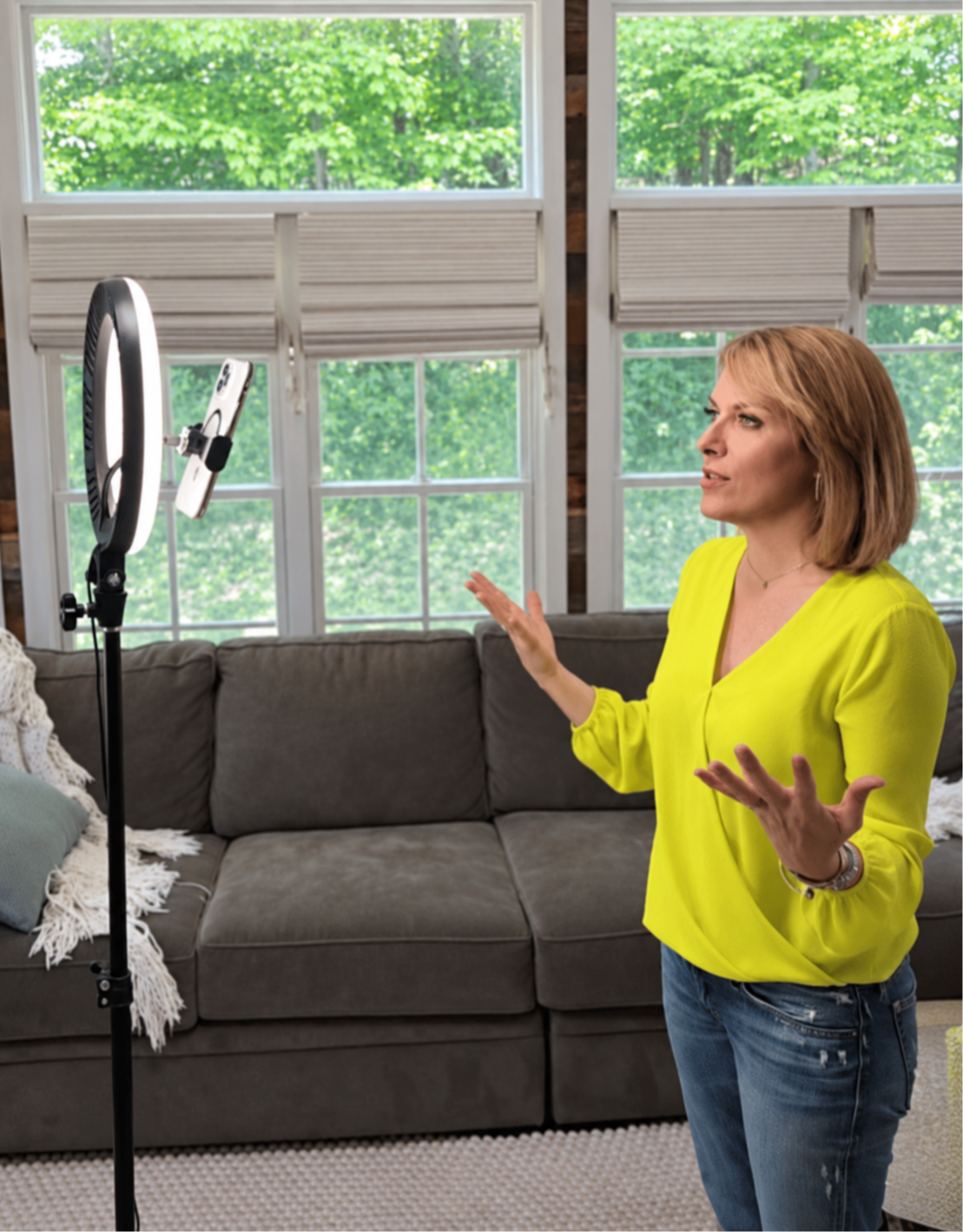
How to use a teleprompter.
Setting it up so your eyes stay on the lens.
How to write for a teleprompter.
Turning what you'd write in an email into something that sounds natural out loud.
How to mark a script.
Where to pause, what to stress, and where to breathe.
How to read in a conversational way.
Pace, eye line, and your face, so you sound like you're talking to someone.
Two short lessons, about 30 minutes in all. By the end, you'll be ready to record your first video on a teleprompter, and it will sound like you.
Who's teaching it
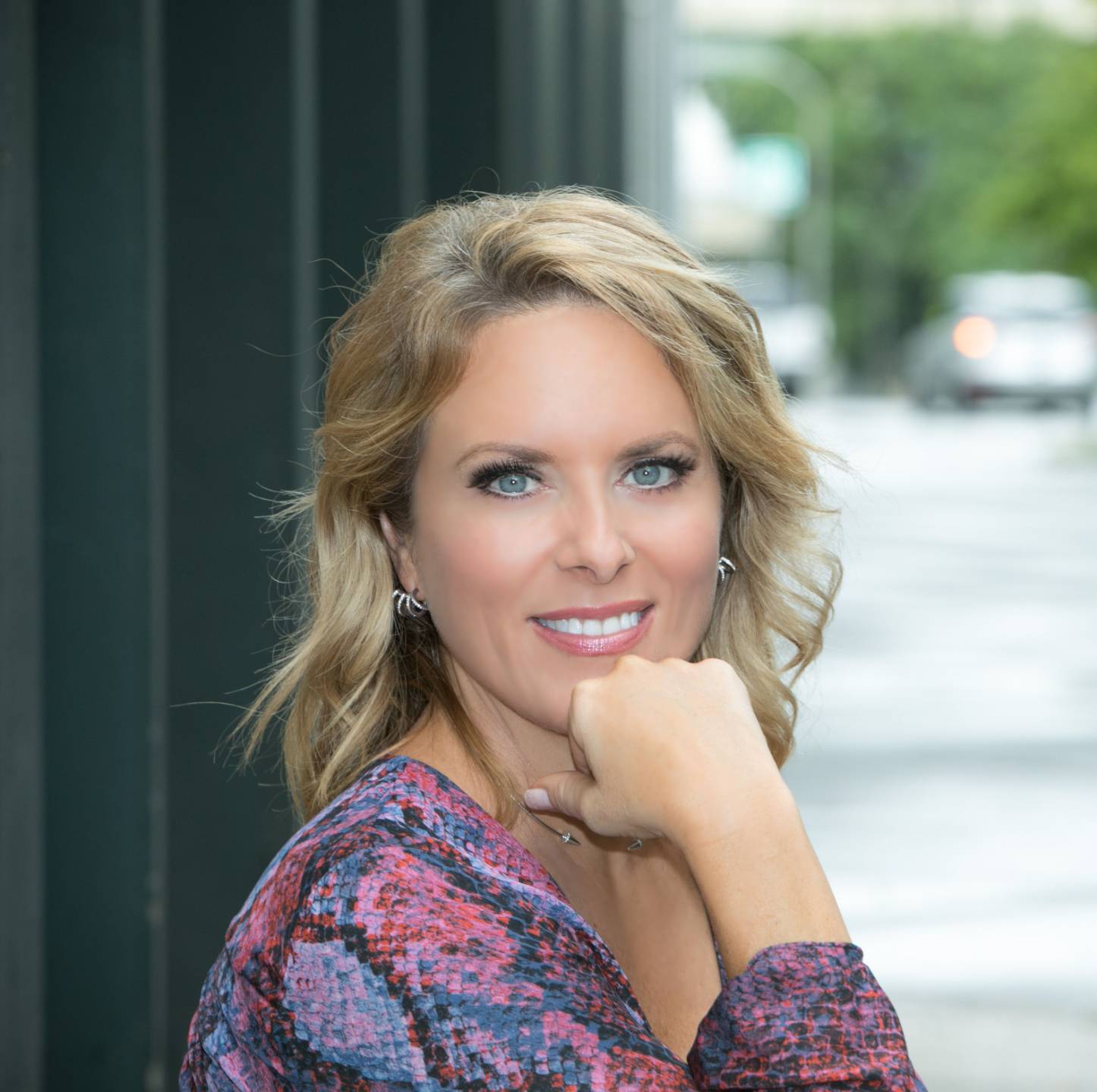
I'm Kerry Barrett. I had a 20-year Emmy and Telly award-winning broadcast career including NYC television. I read from a teleprompter for more than twenty years as a news anchor. For the last seven years, I've coached attorneys, executives, and founders to come across on camera the way they do in person.
Why it's free
This is one module from Command the Camera, my full program for video from start to finish. I'm giving it away because it solves a real problem on its own. If you want the rest later, you'll know where to find it.
Get the free module